We are excited to announce the release of the Instant On Cloud Portal software version 3.2.1. It has powerful enhancements that mark a significant leap in how small and medium businesses manage their network security, connectivity, and automation.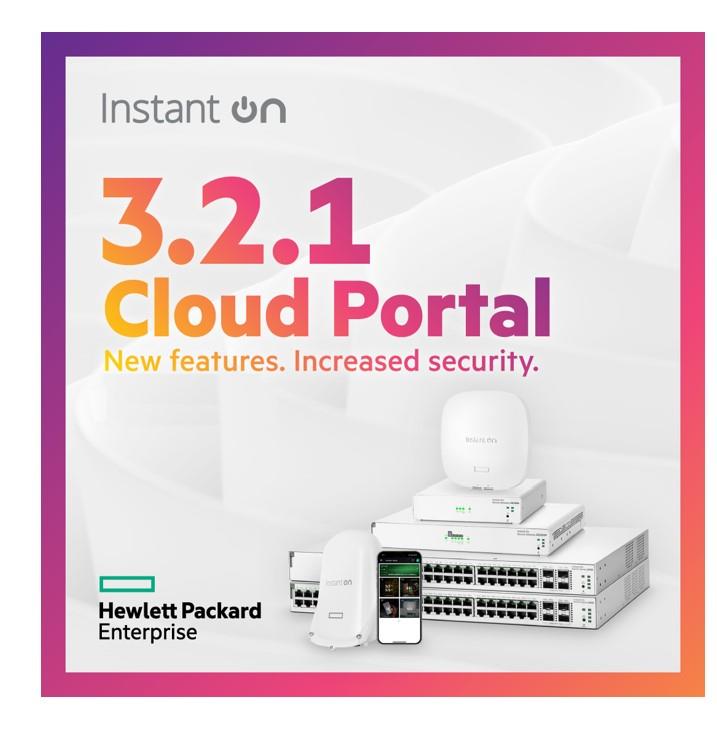
One of the key highlights of this release is full support for the new HPE Networking Instant On Secure Gateway SG1004 and SG2505P models. It brings a fresh wave of AI-powered intelligence, advanced WAN features, and simplified security workflows that make enterprise-grade networking even more accessible for SMB’s.
A quick reminder: to take advantage of the latest features introduced in R3.2.0 onwards, make sure you have downloaded the latest mobile app version from the Android or Apple store. If you currently use a version older than R3.2.0, uninstall the app from your mobile device and reinstall the latest application, as the older versions are incompatible with the newest updates.
Let’s take a closer look at what’s new in 3.2.1.
Secure Gateways just got smarter
With this release, the cloud portal fully supports SG1004 and SG2505P Secure Gateways, along with a smarter way to secure your network using the power of AI.
The AI-Powered Network Policy Assistant is now integrated directly into the cloud experience. Whether isolating IOT devices, segmenting guest traffic, or prioritizing applications, the assistant ensures security policies are easy to implement even for non-technical users. Key benefits include reduced configuration time, fewer human errors, and confidence that your network policies align with the best practices. With the AI assistant, setting up and maintaining security became dramatically simpler.
WAN failover and load balancing: Always stay connected
In today’s digital-first world, downtime is not an option. That’s why we’ve added WAN failover and load balancing capabilities to the gateway lineup.
Now you can connect multiple WAN links to your gateway. If your primary link goes down, traffic will automatically switch to the backup, ensuring uninterrupted connectivity for business-critical operations. Even better, with load balancing, you can distribute traffic across links to optimize bandwidth usage and reduce latency. Whether you are a café, co-working space, retail store, or a remote site, connectivity is secure and highly reliable.
Automatic threat detection and prevention
Security threats evolve fast, but your gateway is designed to adapt. Version 3.2.1 brings automated threat detection and prevention to the forefront, helping you to stay ahead of malicious activity without needing a dedicated security team.
This new capability scans inbound and outbound traffic in real time, looking for patterns of suspicious behavior. When a potential threat is detected, it is either automatically blocked or flagged for an admin review, based on the severity of the threat. Real-time protection includes malware and phishing resistance, exploit kits and web specific applications vulnerabilities detection, anomaly-based intrusion alerts, and more.
The system periodically automates updates to the threat signature database, providing a set–it–and–forget–it protection layer that’s perfect for small and medium businesses.
Site-to-site VPN made easy with domain-based setup
Connecting multiple branches or remote locations has always required some networking expertise – until now.
With the latest update, we have simplified site-to-site VPN setup using domain-based configurations. Instead of routing complexities, you can define peer sites using easy to remember domain names. The Cloud Portal takes care of the rest.
Whether you are connecting to a remote warehouse, a secondary retail location, or a smart workplace environment, secure communication is just a few clicks away.
Additional enhancements for a smoother experience
Beyond the major updates, version 3.2.1 also brings many usability improvements to make everyday tasks quicker and more intuitive. These enhancements were shaped by customer feedback, so thank you to all the partners and users who continue to help us build a better experience.
With 3.2.1, we are making a big leap forward in how Instant On empowers small businesses to run secure, resilient, intelligent networks, with minimal complexity.
We can’t wait for you to include Secure Gateways in your network, especially if you are managing multiple sites or branching into secure remote access. Your feedback continues to shape our roadmap for the next release.
Until then, explore the new tools, stay protected, and connected.